 SSH Command
Learn SSH Command in minutes.
A short how-to series, each video about two minutes, recorded in the real app on a real Ubuntu server. Start with the first one and work down.
For more information, visit w3schools.com/bash/bash_commands for comprehensive lessons about SSH and Bash.
-
 2:47
2:47
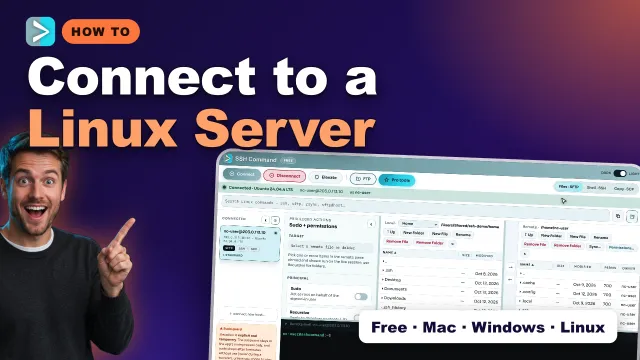
How to Connect to a Linux Server with SSH Command (Step by Step)
Add a server, trust its host key, and open the terminal and the remote files side by side.
Watch on YouTube -
 2:13
2:13
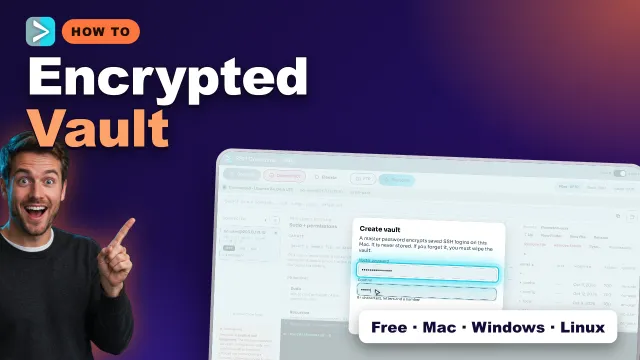
How to Save SSH Logins Securely: Encrypted Vault in SSH Command
Save hosts and passwords in an encrypted vault, protected by one master password.
Watch on YouTube -
 2:15
2:15
Fix ‘Permission Denied’ in SSH Command: chmod, chown & sudo (Visual Guide)
Change permissions with presets like 644 and 755, see the exact command first, and retry with sudo only when the server needs root.
Watch on YouTube -
 1:49
1:49
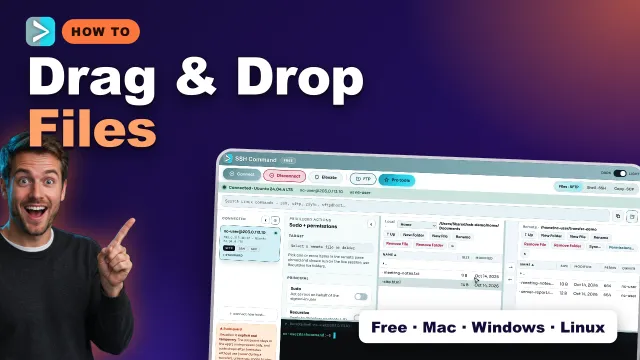
Drag and Drop Files to a Linux Server with SSH Command (SFTP Upload & Download)
Upload and download over SFTP by dragging files between your computer and the server.
Watch on YouTube -
 2:25
2:25
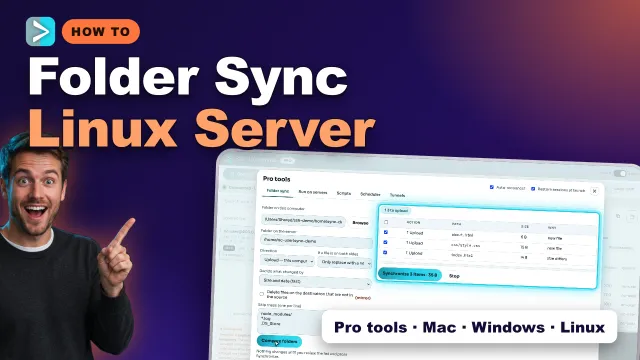
Sync a Folder to Your Linux Server: Compare, Review & Upload (SSH Command Pro)
Compare a local folder with the server, review every change, then upload only what differs.
Watch on YouTube -
 2:13
2:13
Schedule Automatic Uploads & Backups to Your Server (SSH Command Scheduler)
Run uploads, downloads and syncs on a schedule while the app is open.
Watch on YouTube -
 2:19
2:19
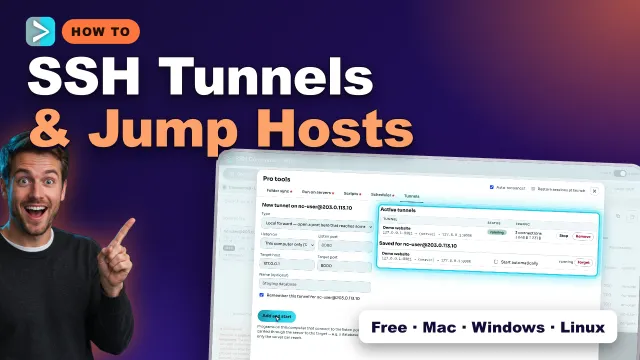
SSH Tunnels & Jump Hosts Explained: Port Forwarding in SSH Command
Forward ports to reach services behind a server, and connect through a bastion with a jump host.
Watch on YouTube -
 1:47
1:47
PuTTY + WinSCP Alternative for Windows 11: SSH Terminal & SFTP in One App
One app for the SSH terminal and SFTP files on Windows 11, instead of PuTTY and WinSCP.
Watch on YouTube
Try it on your own server.
Free for personal use on Mac, Windows and Linux. Pro tools such as sync and the scheduler are part of the commercial licence.